Sponsors
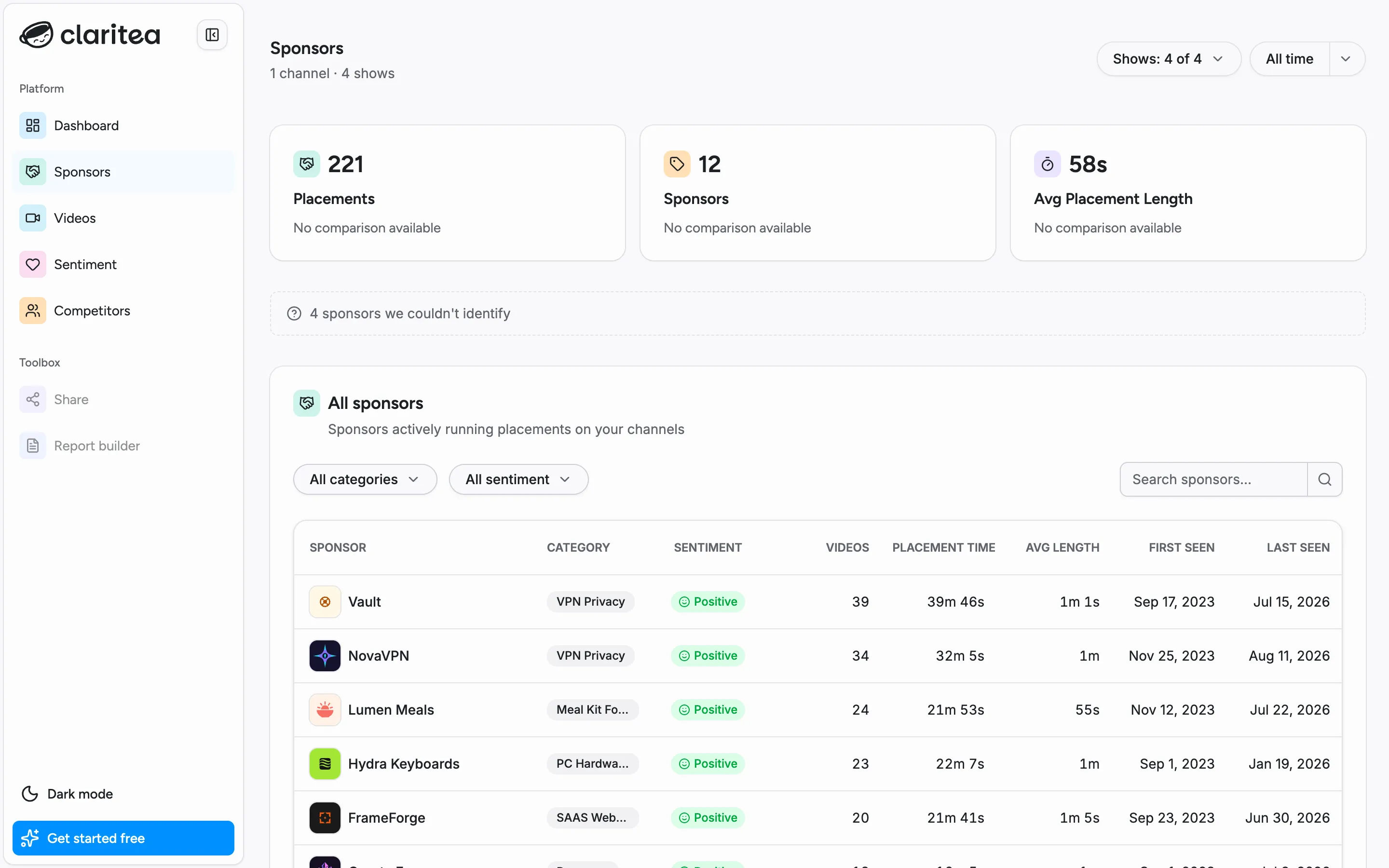
The sponsors page lists every brand that has appeared on your channels, and each one opens into a detail page built for sponsor reporting.
If you are wondering why your placement count is higher than your sponsor count, see Placements and sponsors.
The sponsors list
Section titled “The sponsors list”For each brand you can see its category, audience sentiment, how many videos it appeared in, total and average placement time, and when it was first and last seen.
Use the category and sentiment filters or the search box to narrow the list. The channel and date-range filters at the top of the page apply here too.
Sponsor details
Section titled “Sponsor details”Select a sponsor to open its detail page:
- Cadence: a timeline of every placement, so you can see how regularly the brand runs with you
- Brand sentiment and viewer quotes: how your audience reacts to this brand, with the actual comments
- Placement breakdown: how often the sponsor runs pre-roll, mid-roll, or post-roll
- Promo codes and URLs: the codes and links spoken in your placements, detected automatically
- Video appearances: every video the brand appeared in
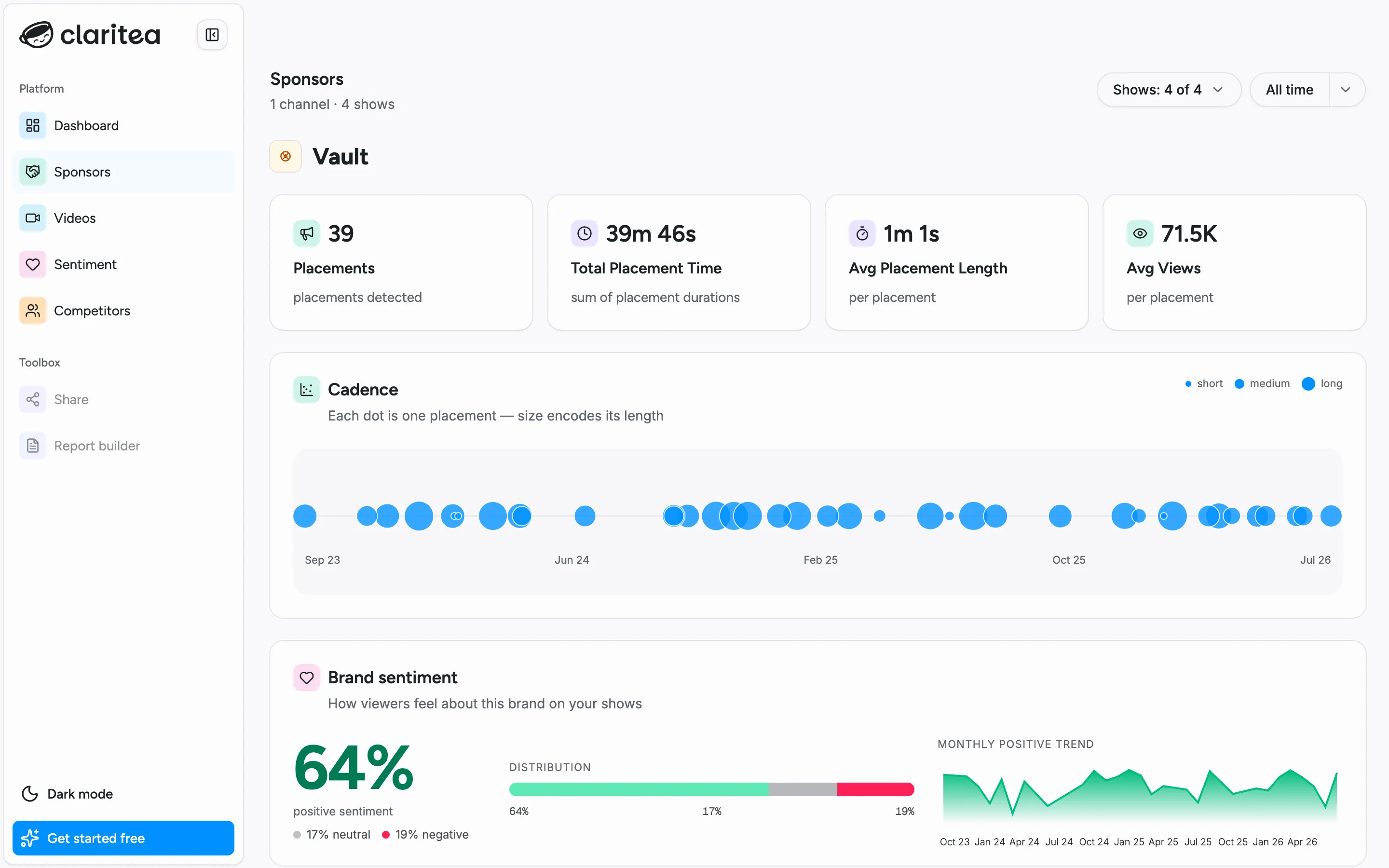
Use this page when preparing a report for a specific sponsor. It answers what ran, how it performed, and what your audience said - and the Share dashboard button on it is where sharing starts.