Getting started
Sign in
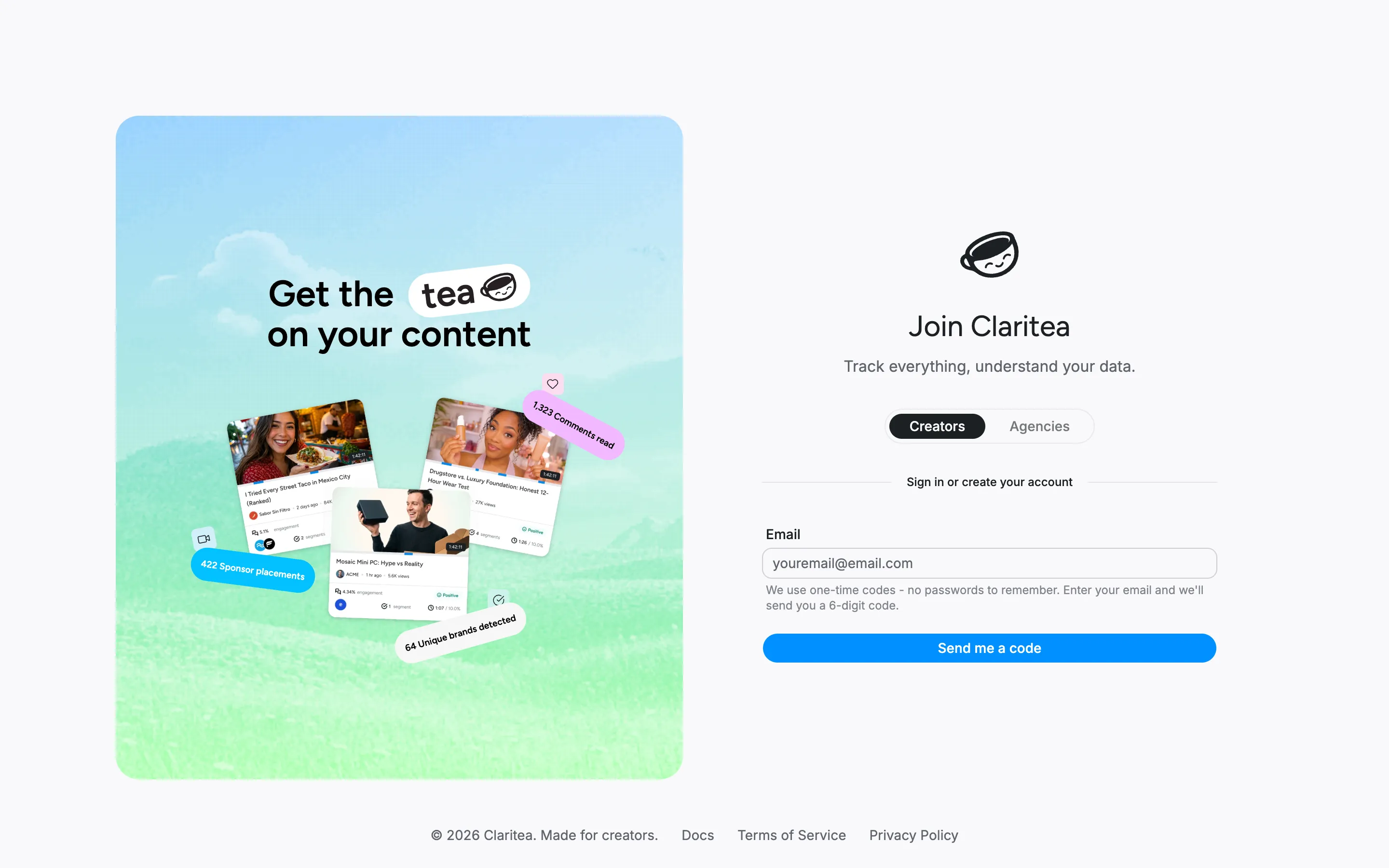
Section titled “Sign in”Claritea uses email sign-in, so there is no password to remember.
- From the Claritea homepage, select Log in or Start free to reach the sign-in page, then enter your email address.
- We send you a 6-digit code. Enter it to sign in.
Whichever button you start from takes you to the same place - you pick your plan after signing in, not before.
Pick a plan
Section titled “Pick a plan”The first time you sign in, Claritea asks you to pick a plan. You can start on the free plan with no payment details.
- Free: one channel, core analytics, and sentiment with a sample of viewer quotes
- Pro: unlimited channels, the full set of sentiment quotes, and competitor insights
Set up your account
Section titled “Set up your account”Next, a short setup walks you through the rest:
- Tell us your name and how you want it displayed.
- On the Connect your data step, select Connect next to YouTube, then sign in with the Google account that owns your channel and approve access.
Connecting a YouTube channel is required to finish setup - the rest of the app stays locked until your first channel is connected. If you run more than one channel, you can connect the others after setup.
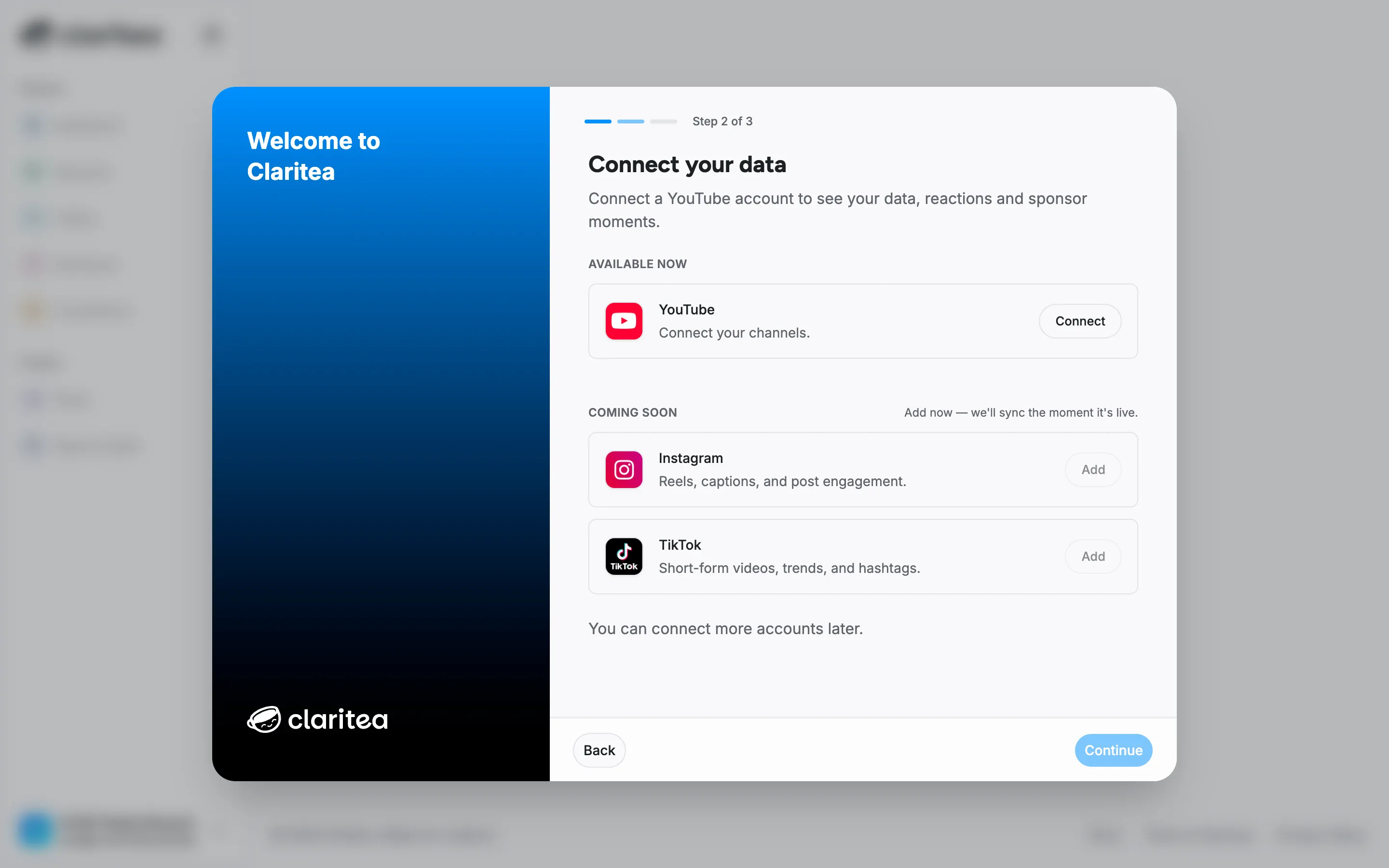
Claritea only requests read access to your channel. It never posts, edits, or deletes anything on YouTube.
While your data is processing
Section titled “While your data is processing”Once your channel is connected, Claritea starts analyzing your videos. This runs in the background - your dashboard opens right away, and widgets fill in as processing completes. Channels with a large back catalog take longer on the first pass. There is nothing you need to do; new videos are picked up automatically from then on.
Next steps
Section titled “Next steps”- Your dashboard: what the numbers mean
- Sponsors: every brand that has run on your channels
- Sharing: send read-only results to a sponsor
- Metrics glossary: what each stat means